Image Metrology - Creator of SPIP™
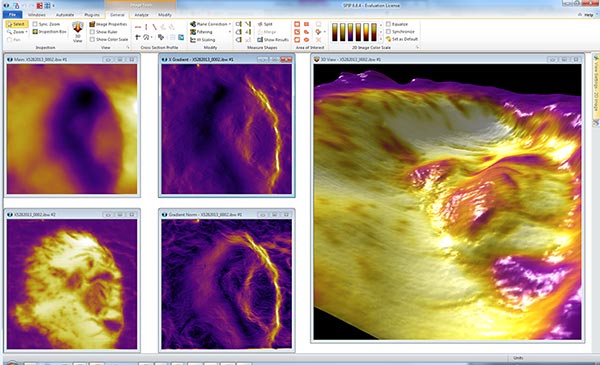
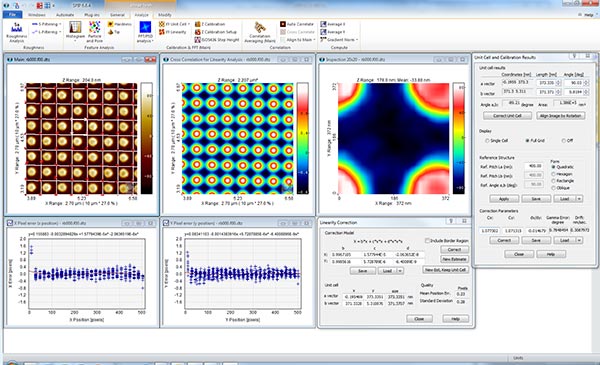
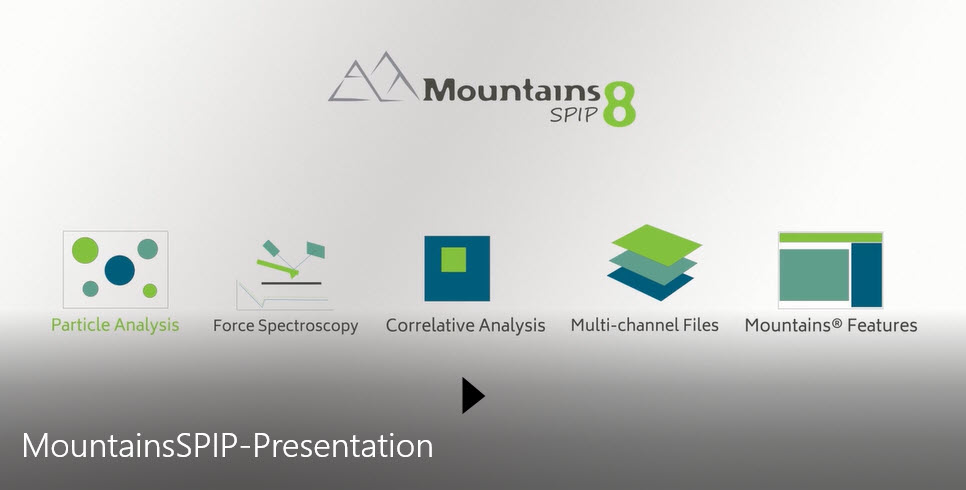
Welcome to Image Metrology a subsidiary company of Digital Surf. Image Metrology is as the - creator of SPIP™ or the “Scanning Probe Image Processor” – for many years one of the world's best and most advanced software packages for processing and analyzing microscopic images at nano- and microscale. Since 2014 we are a subsidiary of Digital Surf with whom we have developed MountainsSPIP®, the next generation software of SPM image analysis software, based on the industry-standard Mountains® platform and all the best SPIP™ interactivity and analytical tools. MountainsSPIP®, was released first time in July 2019 and from January 2020 SPIP™ is no longer being marketed. Many SPIP™ users are now transferring their SPIP™ licenses to MountainsSPIP® to ensure access to the latest innovations.
Microscope Image Analysis Software Development
Our name, "Image Metrology” reveals our purpose and mission. Metrology is the science of measurement, and our focus is to create software that can perform measurements in images with the highest possible accuracy and deliver the best toolkit for processing and analyzing microscopic images at the nano- and microscale.
Since the launch of MountainsSPIP® the main focus for Image Metrology has been to assist our parent company Digital Surf in the research and development of new innovative software tools for MountainsSPIP. This is done in collaboration with international partners and research institutes and are always open for new projects. So do not hesitate to contact us if you have a good idea.
Analyze Data from SPM, AFM & STM Microscopes
Our focus is to serve our Scanning Probe Microscopy (SPM) customers with the best available tools for analyzing SPM data. We are therefore committed to deliver the best image analysis software tools, not only for SPM image processing, but also for various spectroscopy data that can produced by SPM instruments. This would include data such as Force Spectroscopy acquired by Atomic Force Microscopes (AFM) and I-V spectroscopy recorded by Scanning Tunneling Microscopes (STM). Because the SPIP™ software is generic it supports a wide range of image types produced by other techniques, such as electron microscopes (SEM, TEM), interference microscopes, profilers and optical microscopes.
Contact Us
We are still providing technical support for SPIP™ users having a valid license. Technical support is our key for creating close relationships with our users and customer feedback is vital for fulfilling our mission. If you have any questions, suggestions or even a complaint, do not hesitate to contact us